
Football Squares Template
This free football squares template works in Excel and Google Sheets. Type the names, the numbers and the scores, and the sheet finds each winner and works out the prizes. Blank PDF templates are here too, if you prefer pen and paper.
Which football squares template should you download?
Download the Excel template if you want to type names and let the sheet find the winners. It also opens in Google Sheets. Download a PDF template if you want a blank grid to print and fill in by hand. Every file is free and needs no sign-up.
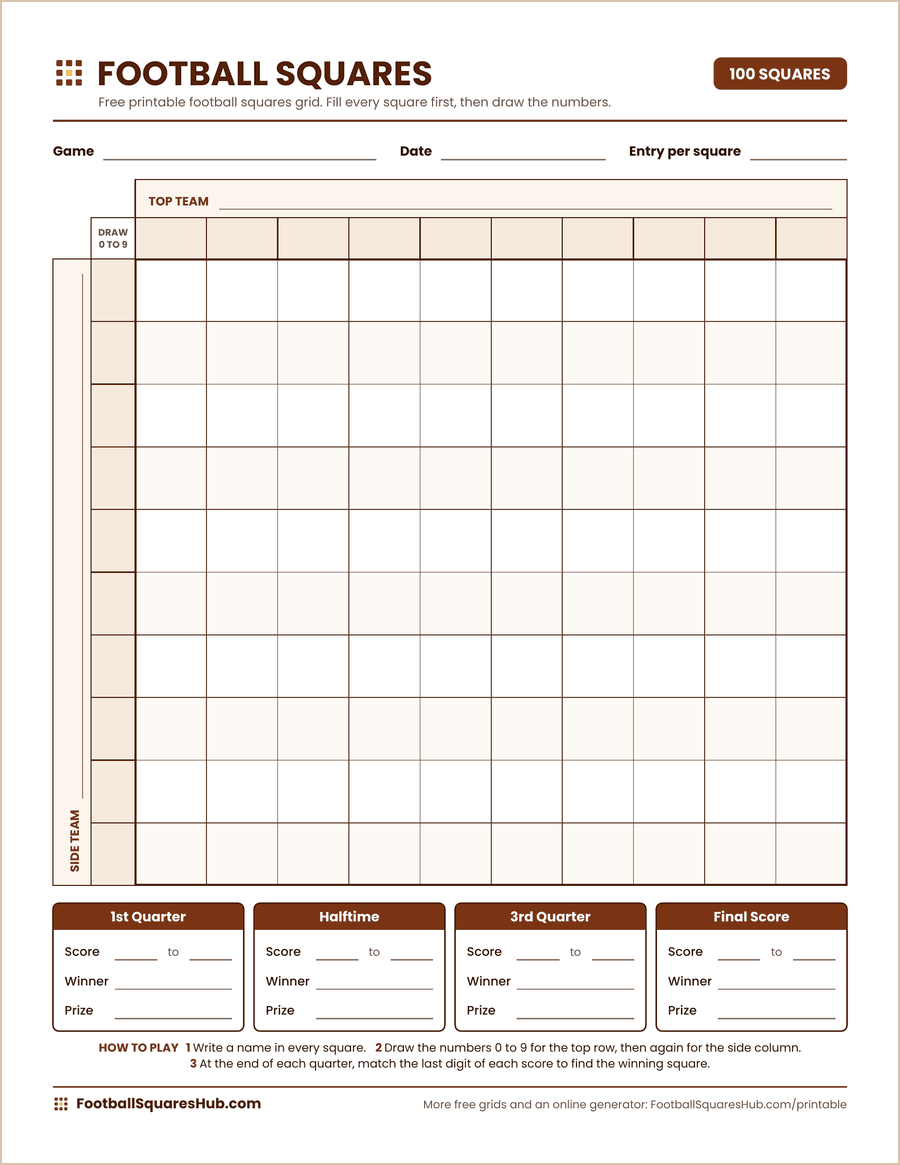
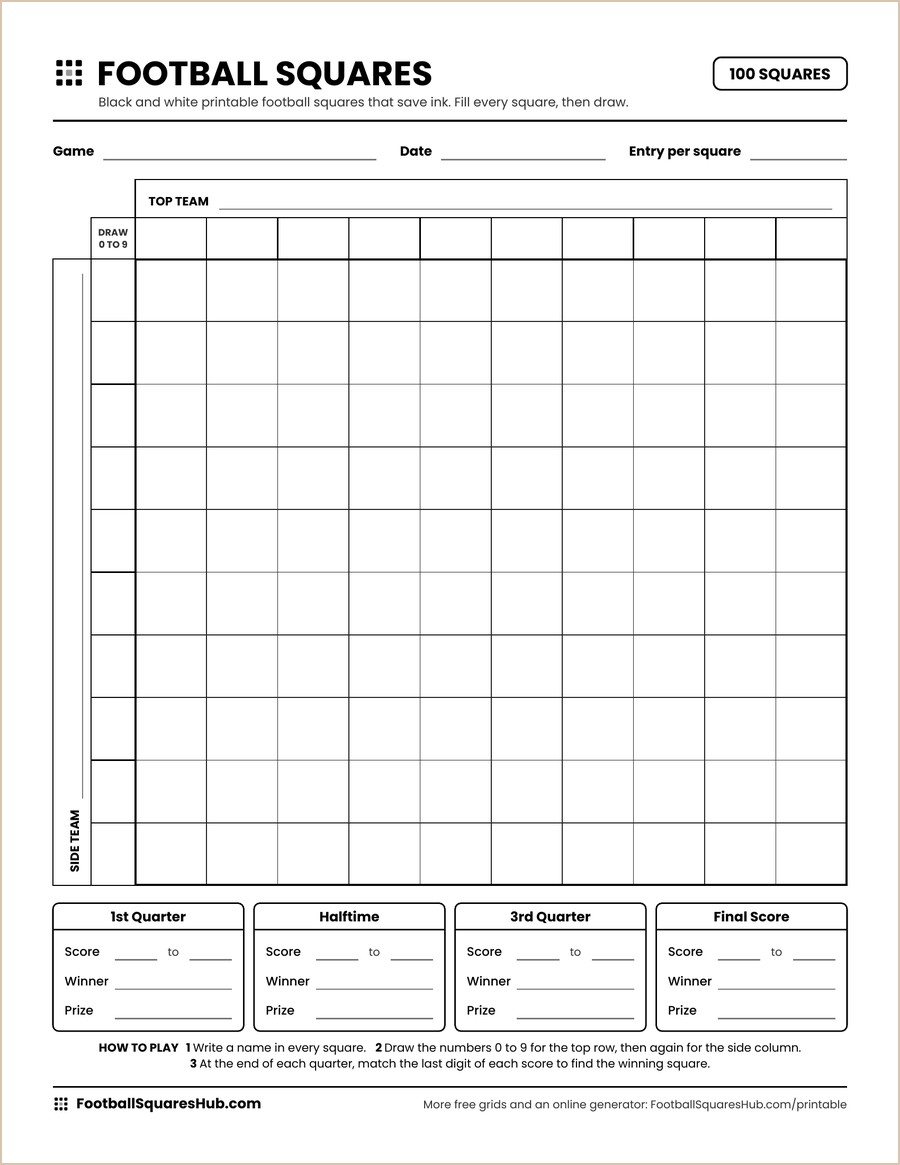
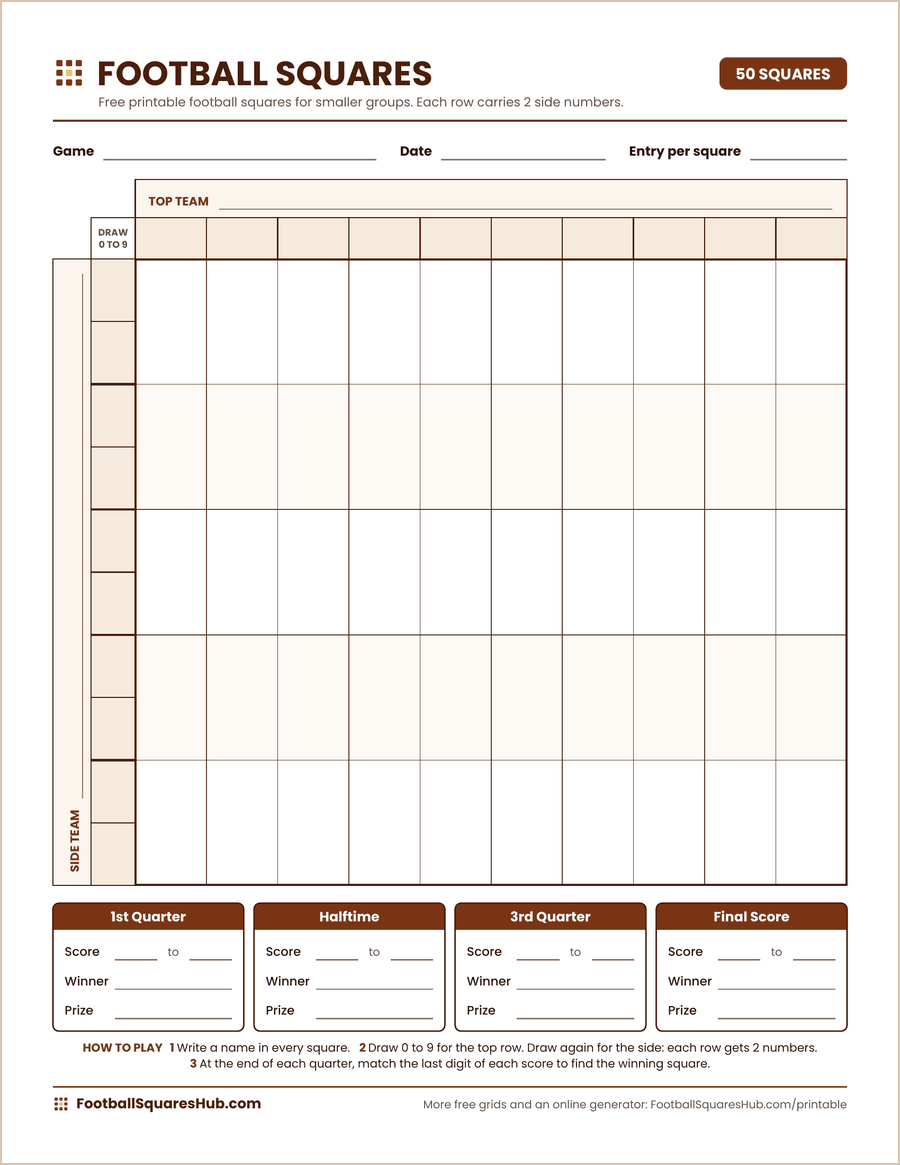
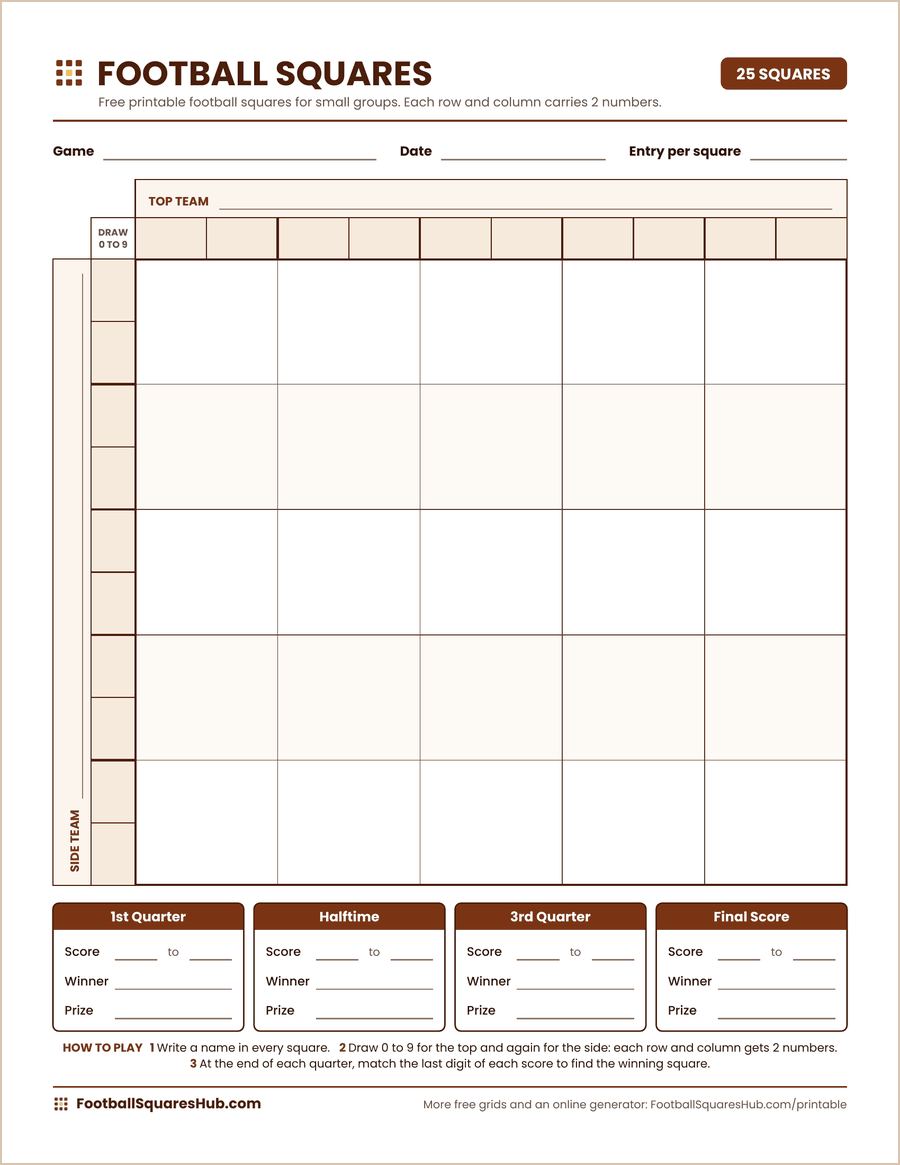
- Football Squares Template (Excel) One file with 100, 50 and 25 square grids. Winners and prizes fill in on their own.
- 100 Square Template (PDF) A blank 10 by 10 grid to print.
- 100 Square Template, Black and White (PDF) The same grid with no color fills.
- 50 Square Template (PDF) A blank grid for smaller groups.
- 25 Square Template (PDF) A blank grid for small groups and families.
Grids with quarter lines and halftime lines are on the printable football squares page.
| Template | Format | Squares | Best for |
|---|---|---|---|
| Football squares template | Excel, Google Sheets | 100, 50 and 25 | Typing names and finding winners |
| 100 square template | 100 | 10 or more players | |
| Black and white template | 100 | Printing with less ink | |
| 50 square template | 50 | 5 to 25 players | |
| 25 square template | 25 | Small groups and families |
What is in the Excel football squares template?
One file holds 3 grids: 100 squares, 50 squares and 25 squares. Each grid has cells for the teams, the names and the drawn numbers, a winners table for the 4 checkpoints and a prize calculator. An Example tab shows a finished grid, and a How to Use tab lists the steps.
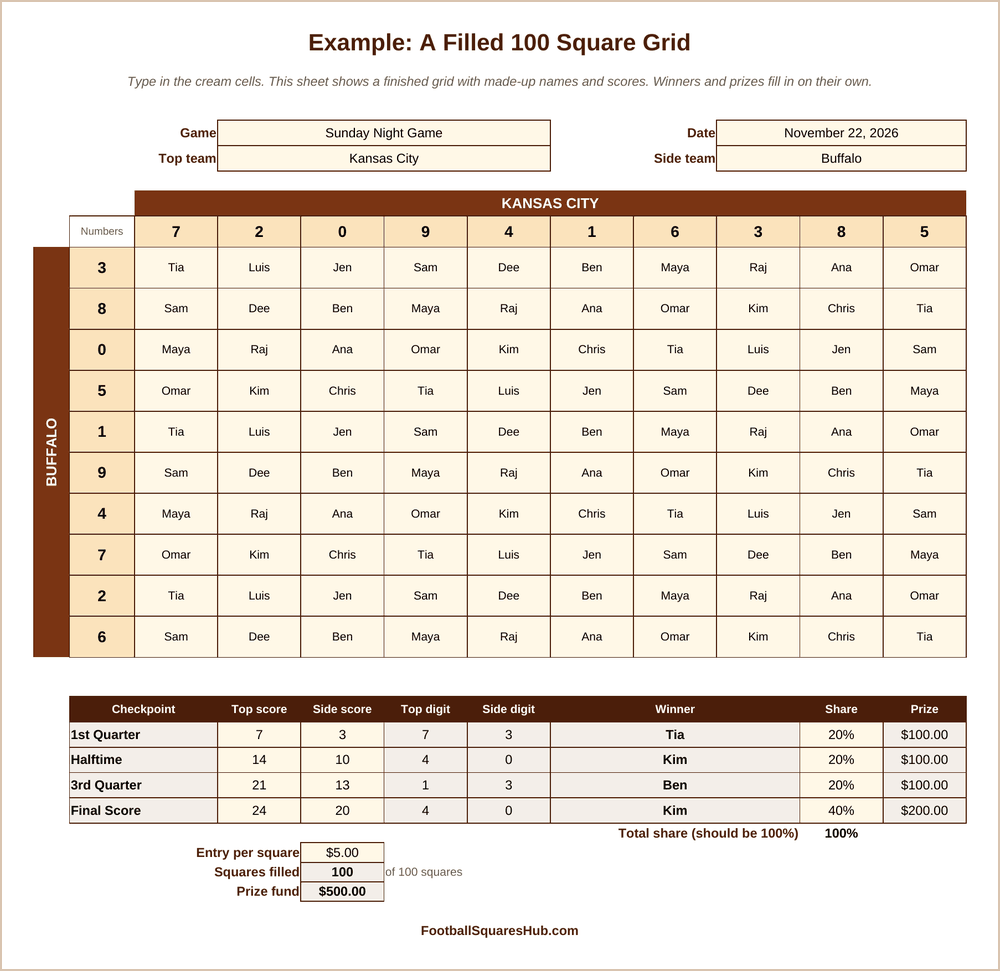
The picture shows the Example tab with made up names and scores. Your own grid starts blank.
How do you use the football squares template in Excel?
Open the file and pick the tab that fits your group. Type in the cream cells only: the game, the teams, the player names and the numbers you draw. During the game, type the score at each checkpoint. The winner and the prize appear in the same row.
- Open the file and choose the 100 Squares, 50 Squares or 25 Squares tab.
- Type the game, the date and the 2 team names at the top.
- Type a player name in every square.
- Draw the numbers 0 to 9 for the top row and again for the side column, and type them in the darker cream cells.
- At each checkpoint, type both scores in the winners table.
- To work out prizes, type the entry per square and the share for each checkpoint.
If the game is new to you, read how to play football squares first.
How do you use the template in Google Sheets?
Upload the file to Google Drive, then open it with Google Sheets. The formulas keep working, so winners and prizes still fill in on their own. To let players see the grid, share the sheet as view only. Keep edit rights for the host, so nobody changes a square by mistake.
How does the template find the winner?
The sheet takes the last digit of each team’s score. It finds the top team’s digit in the row of top numbers and the side team’s digit in the column of side numbers. Then it shows the name in the square where they meet. A score of 17 to 10 gives 7 and 0.
Can you use it as a football pool spreadsheet for a whole season?
Yes, for a squares pool. Make a copy of a grid tab for each week and rename it, for example Week 1 and Week 2. One file then holds every game of the season. The template is built for squares, so it does not track pick’em or survivor pools.
Is the Excel template or the online grid better?
The Excel template suits a host who keeps the grid and types every name. The online grid suits a group that is spread out, because players take their own squares from a phone and everyone sees the same grid. The online grid can also draw the numbers for you.
Try the online football squares generator, or see football squares payouts for ways to split the prizes.
Football Squares Template FAQ
Is the football squares template free?
Yes. The Excel file and every PDF template are free to download, use and share.
Which programs open the template?
It is made for Microsoft Excel and Google Sheets. It was also tested in LibreOffice Calc.
Is the template blank?
Yes. The 3 grids start empty. Only the Example tab is filled in, to show how a finished grid looks.
Does the template draw the numbers for me?
No. Draw the numbers yourself and type them in. If you want the numbers drawn for you, use the online generator.
Can I print the Excel template?
Yes. Each grid tab is set to print on 1 page.
Can I change the colors or add a team name?
Yes. The file is not locked. Type the team names at the top and they appear on the grid. You can change colors and fonts as you like.
Can I use the template for college football?
Yes. Type any 2 team names. The template works for any football game that is scored by quarter.
Download your football squares template
Pick the football squares template that fits your group, fill every square and draw the numbers before kickoff. For the choices a host should make first, see the rules.
Football Squares Hub is an independent website. It is not affiliated with the NFL, the NCAA or any team.